
Creating and Registering a Vehicle
Spawn a car in vMenu, set your plate, and register it at City Hall.
Get a car from vMenu, then register it at any City Hall so it's legal on the road. Registration lasts one year, and law enforcement see expired or missing registration on traffic stops.
#Get your vehicle
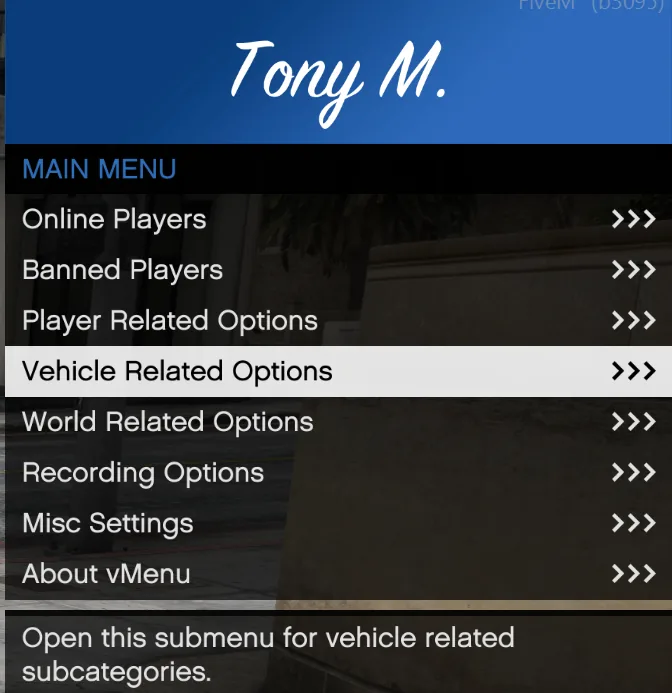
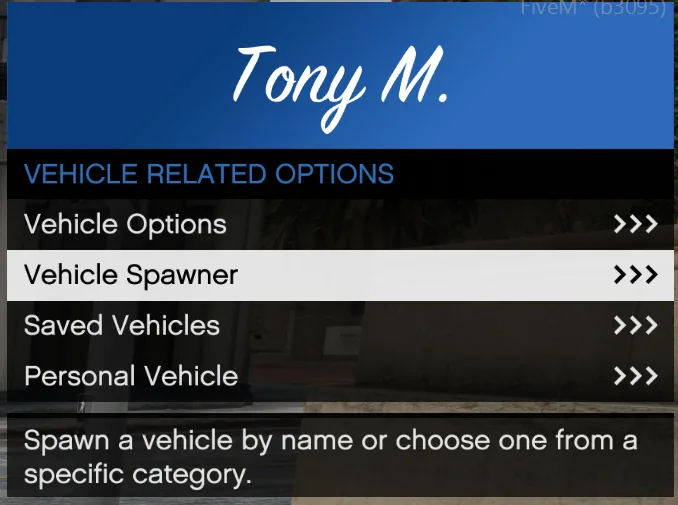
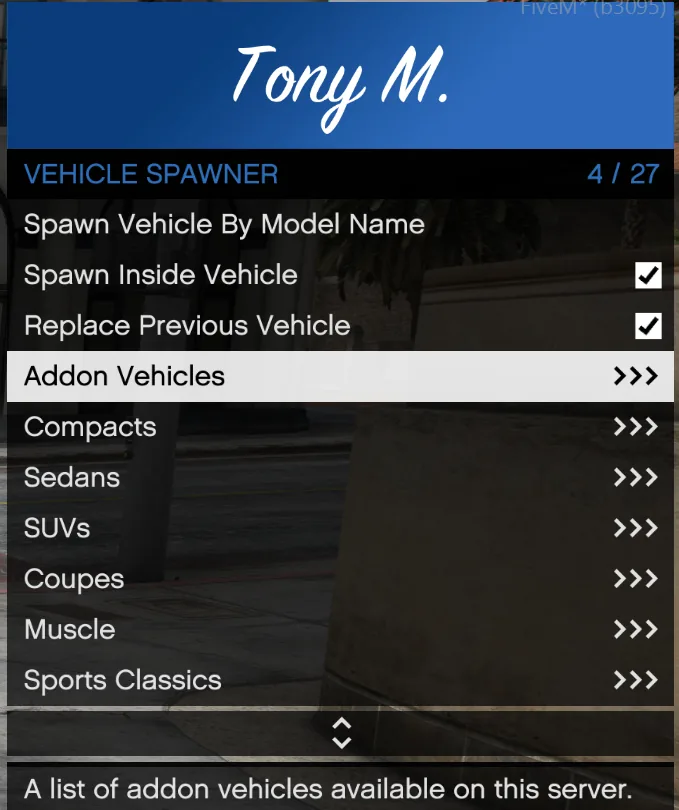
- Press F1 and open Vehicle Related Options > Vehicle Spawner.
- Pick a category and a car. What you can spawn depends on your Civ rank, so more opens up as you play.
#Set your plate
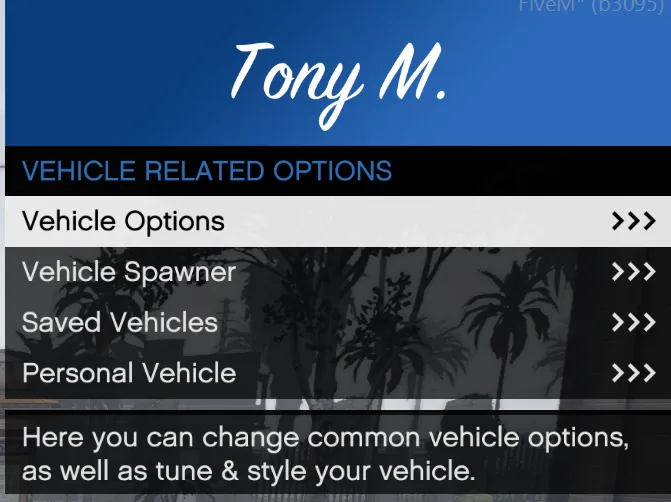
- Open Vehicle Related Options > Vehicle Options.
- Pick Set License Plate Text and type your plate. Plates can be up to 8 characters.
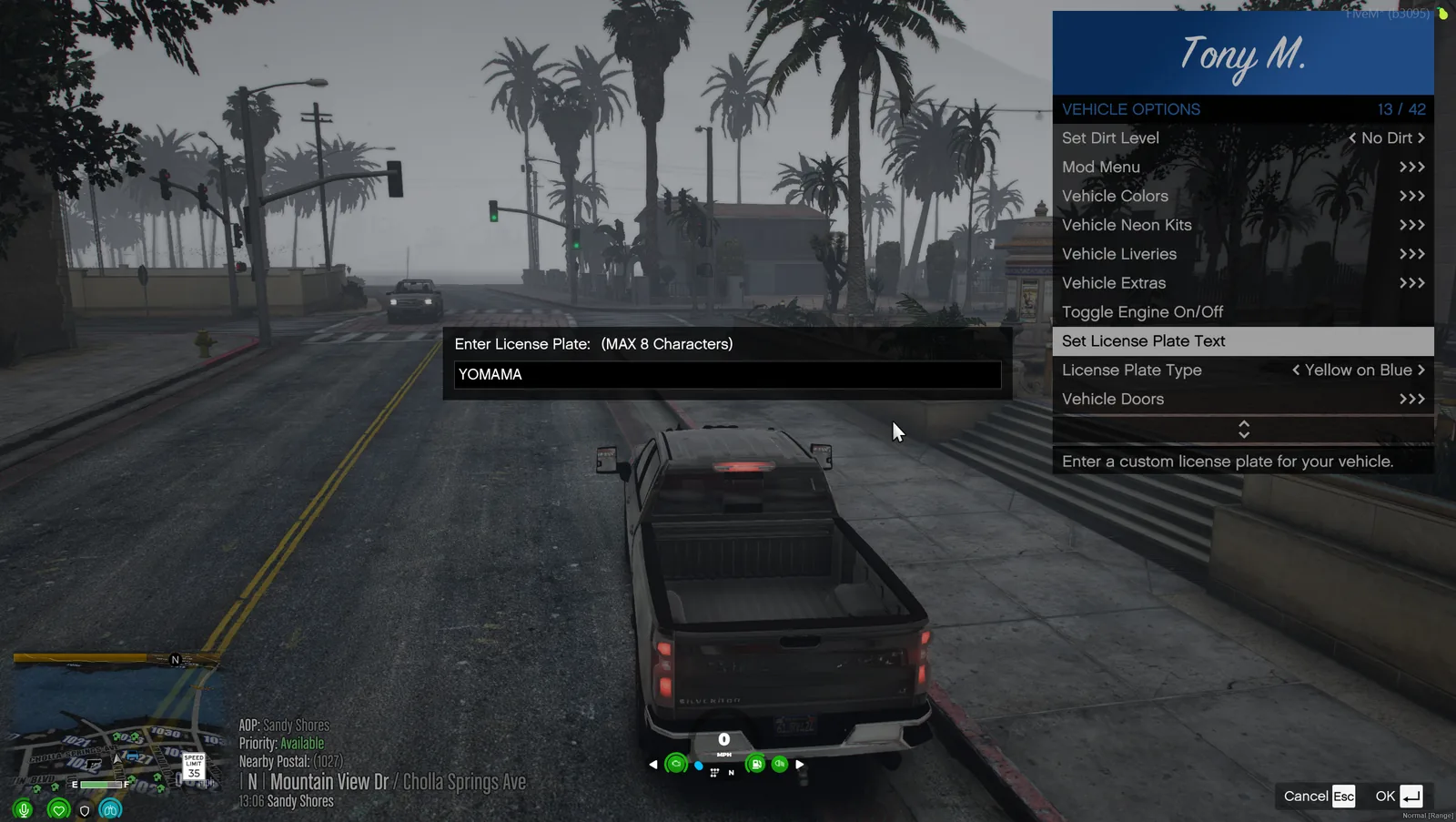
Heads up
Set your plate before you register. If you change it afterward, the registration won't match.
#Register it
- Drive to any City Hall. Sandy Shores (Sol) and Paleto Bay (Dale) both have a vehicle registration desk.
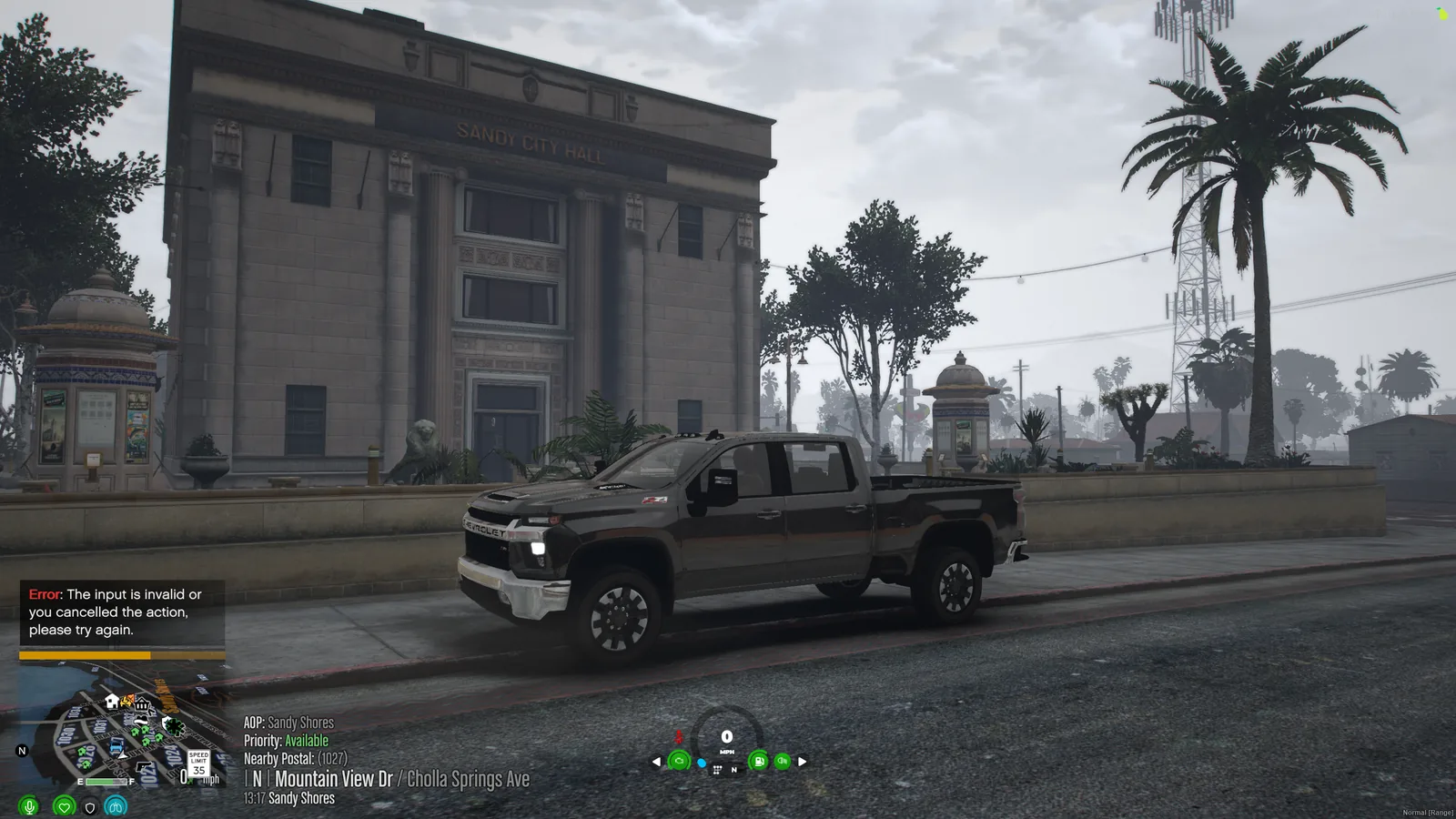
- Park out front. The clerk registers the car you last drove, so it has to be close. Leave it too far away and he won't know which vehicle you mean.
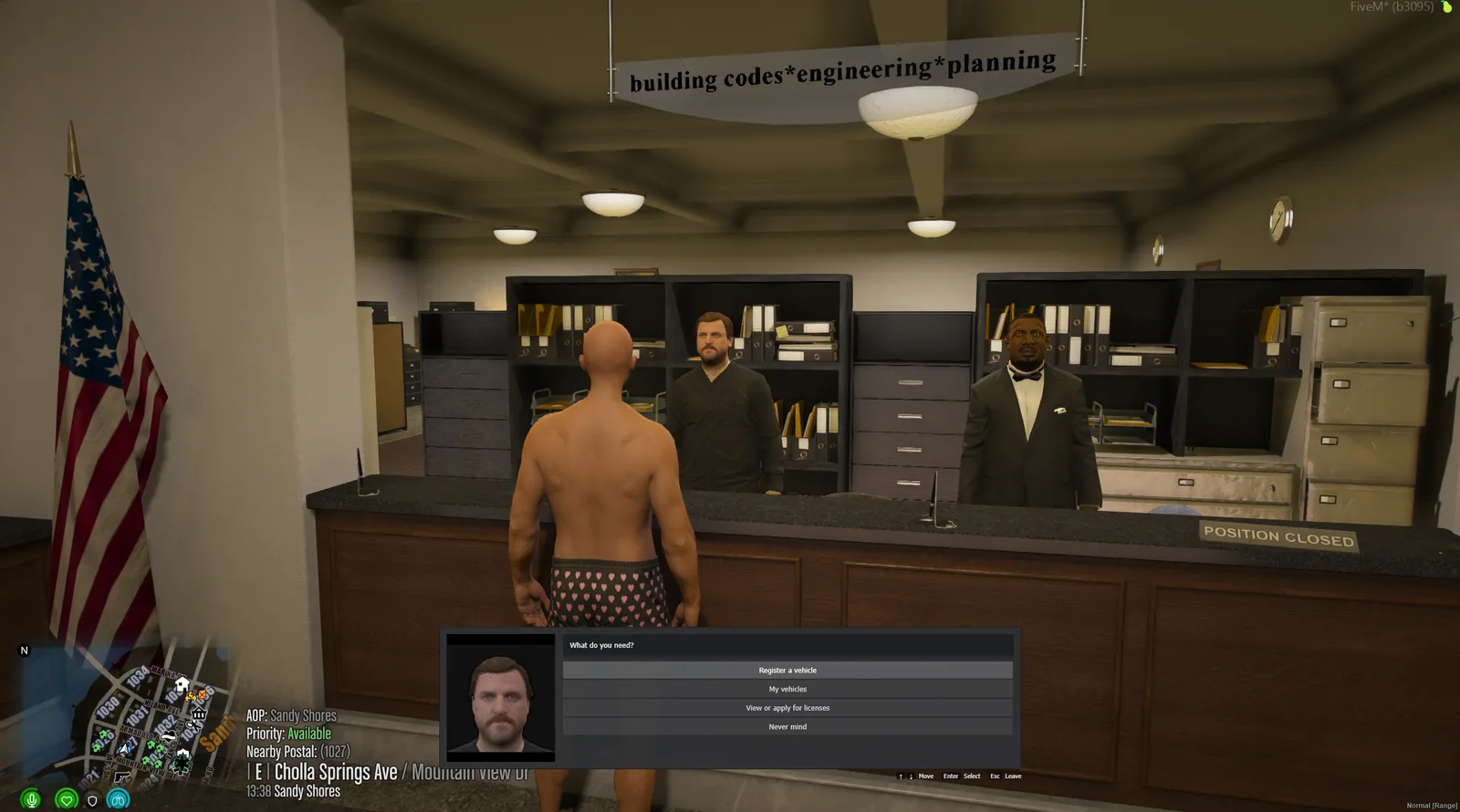
- Walk up to the clerk and press E.
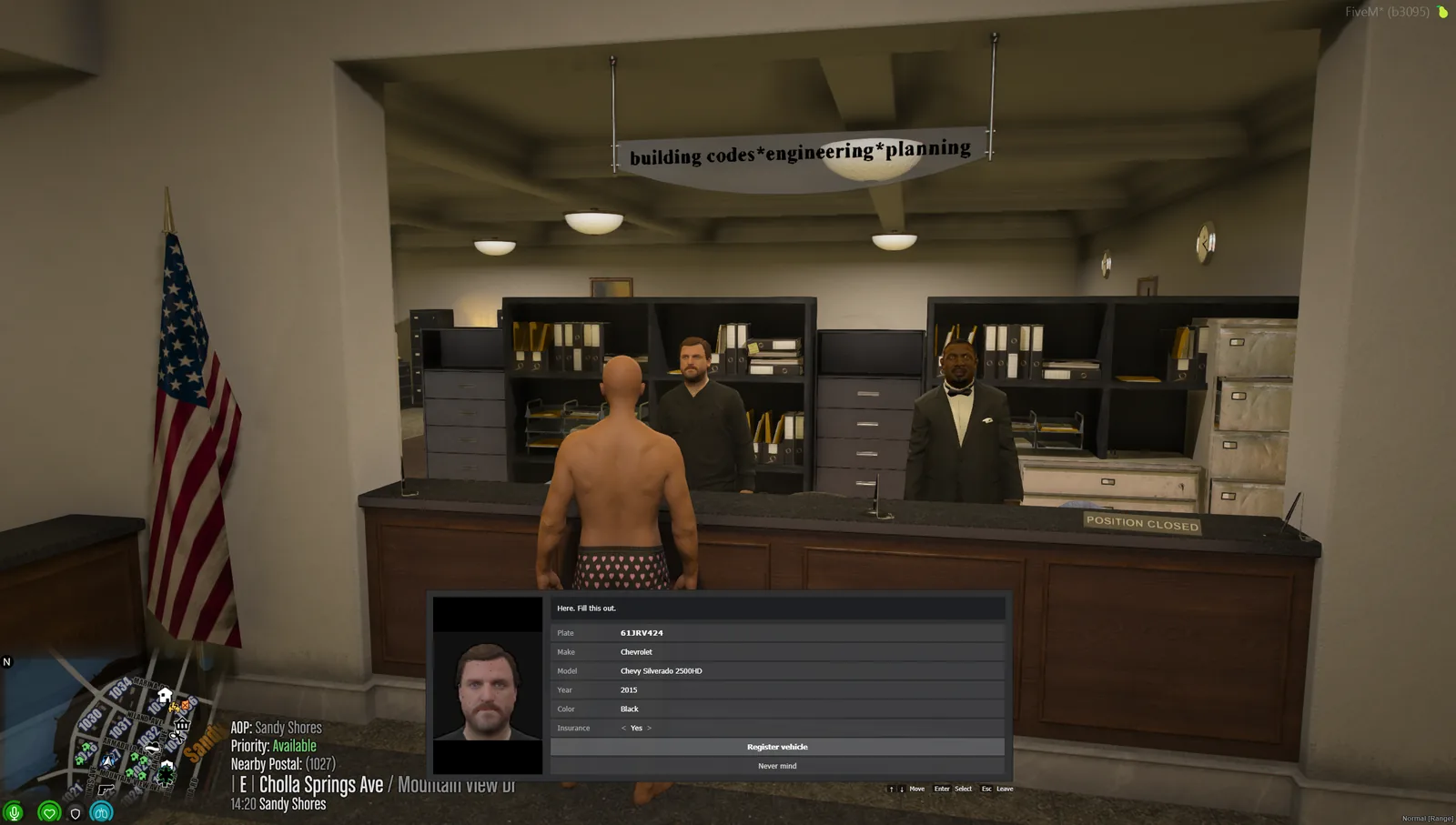
- Pick Register a vehicle, choose the character it belongs to, and confirm the details.
- Done. The car is registered in CAD under that character.
#Look up your vehicles
You can see every vehicle registered to your characters in three places.
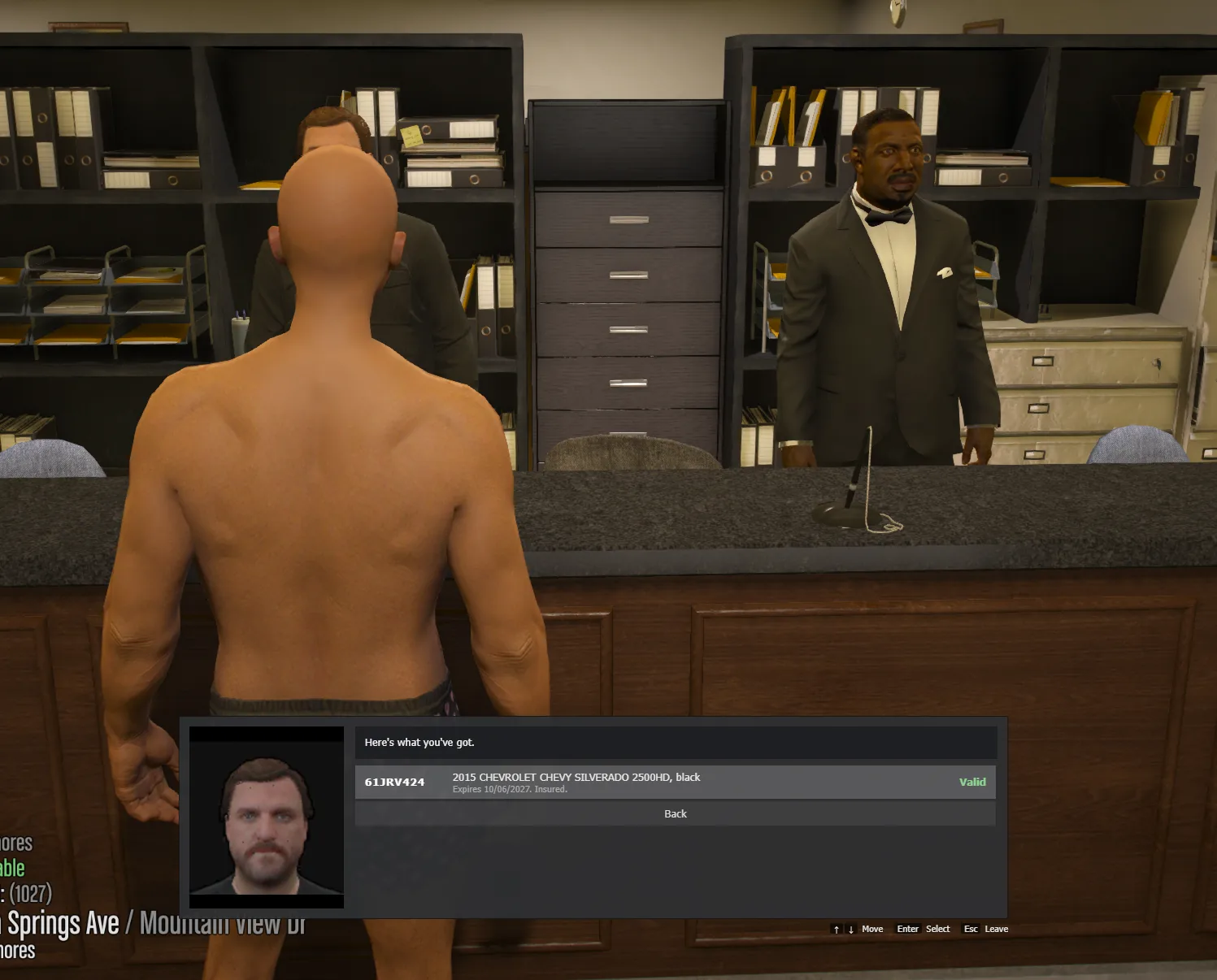
City Hall. Pick My vehicles at the registration desk.
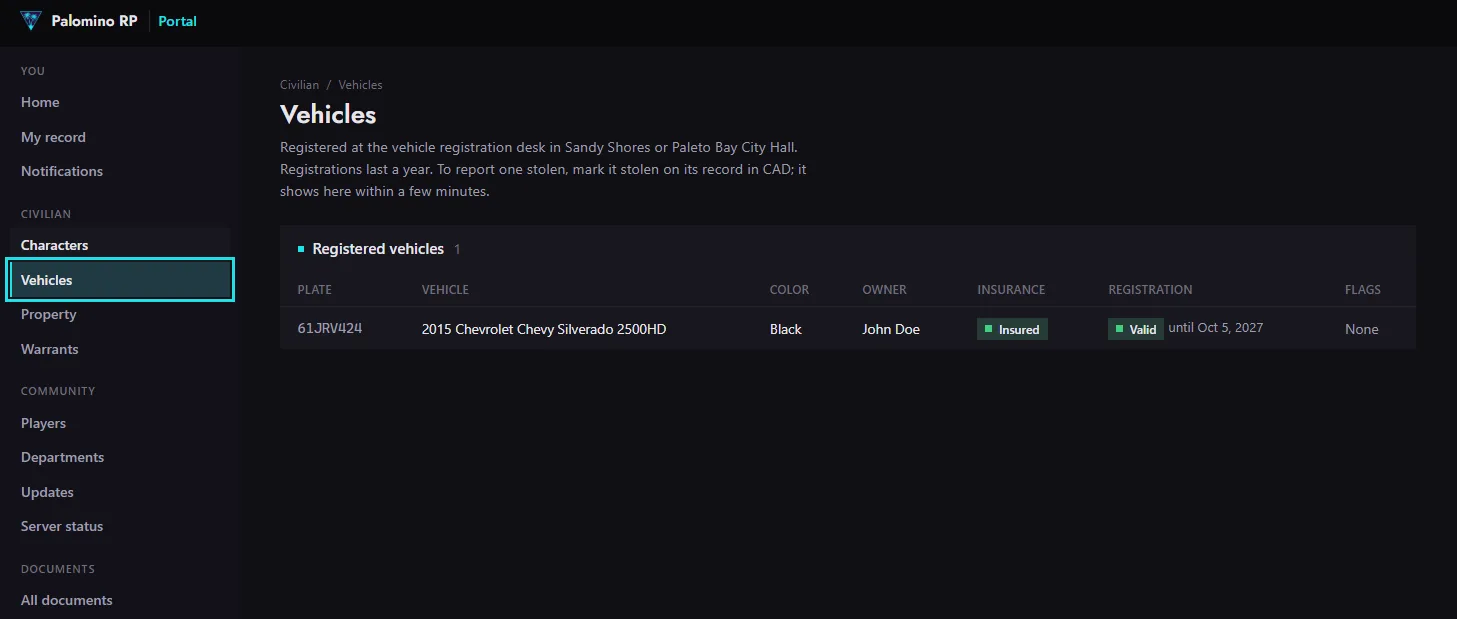
The portal. Go to Civilian > Vehicles to see insurance, when the registration runs out, and whether it's been reported stolen.
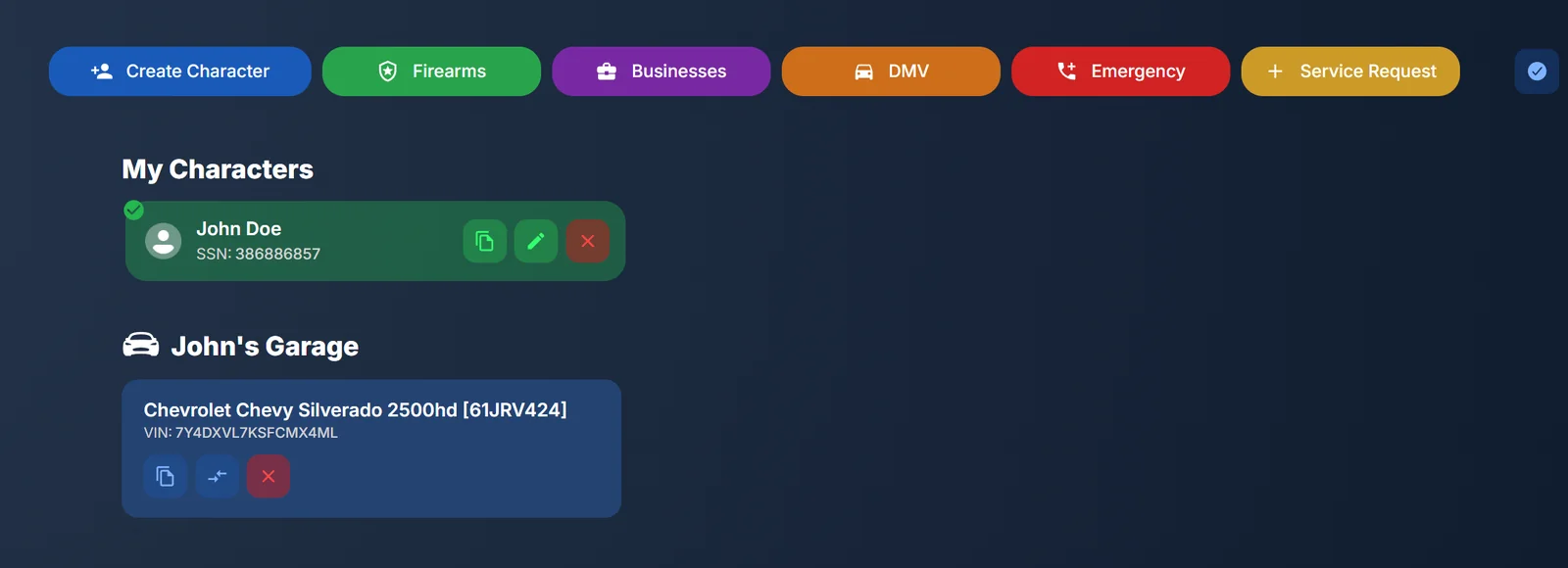
CAD. Each character's garage is on the CAD home page. See Adding Details in CAD.
#If it gets stolen
Mark it stolen in CAD (see Adding Details in CAD). It shows as reported stolen on the portal within a few minutes, and to law enforcement when they run the plate.