Adding Details in CAD
Sign in to ImperialCAD, add details, get licenses and report a car stolen.
CAD is where your character's full record lives: details, licenses, vehicles and firearms. Characters you make in game or on the portal are already in CAD. This is where you add to them.
#Get into CAD
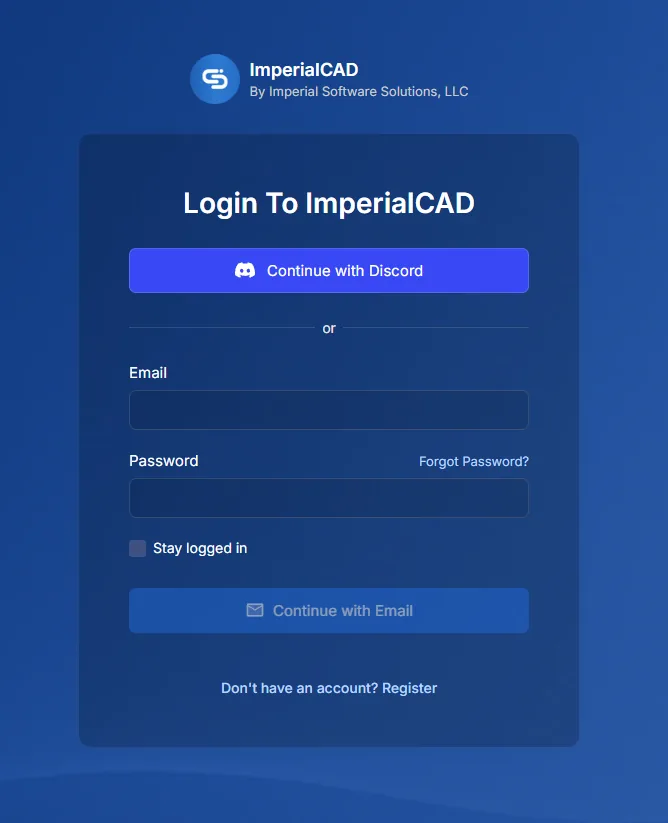
- Go to palomino.gg/cad and sign in with Continue with Discord.
- Join our community with the community key
palomino. - When it asks for the civilian key, enter
palo-civ. Both keys are case sensitive.
In game, type /imperialtablet to open CAD without leaving the server.
Important
You have to sign in with Discord, not email. Your Discord is what ties your CAD account to your Palomino account, the portal and the game. Sign in any other way and your characters won't sync.
#The CAD home page
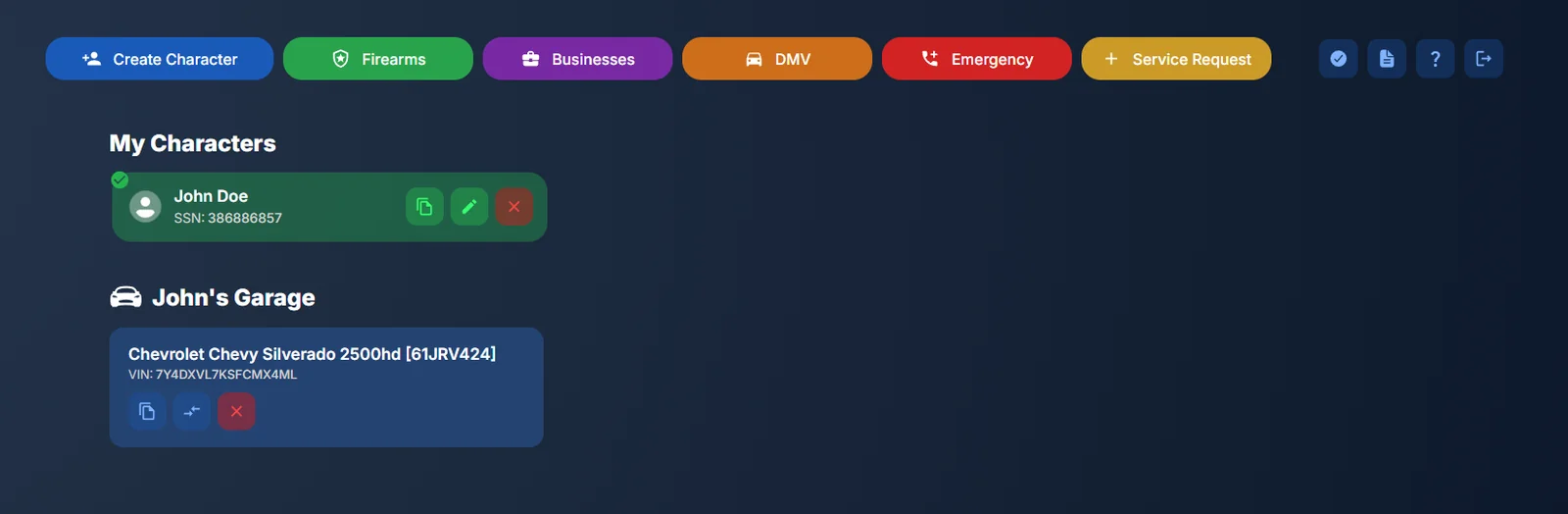
Your characters are listed under My Characters, with each one's garage and firearms below. The buttons along the top open each part of CAD.
Heads up
Don't use Create Character in CAD. Make new characters in game or on the portal (see Creating a Character). If you already made one in CAD, add it in game with Add from CAD and its SSN.
#Add details to your character
- Press the edit button on your character.
- Fill in their details and anything else you want other players and first responders to see.
- Save. Changes show in game and on the portal automatically.
#Licenses
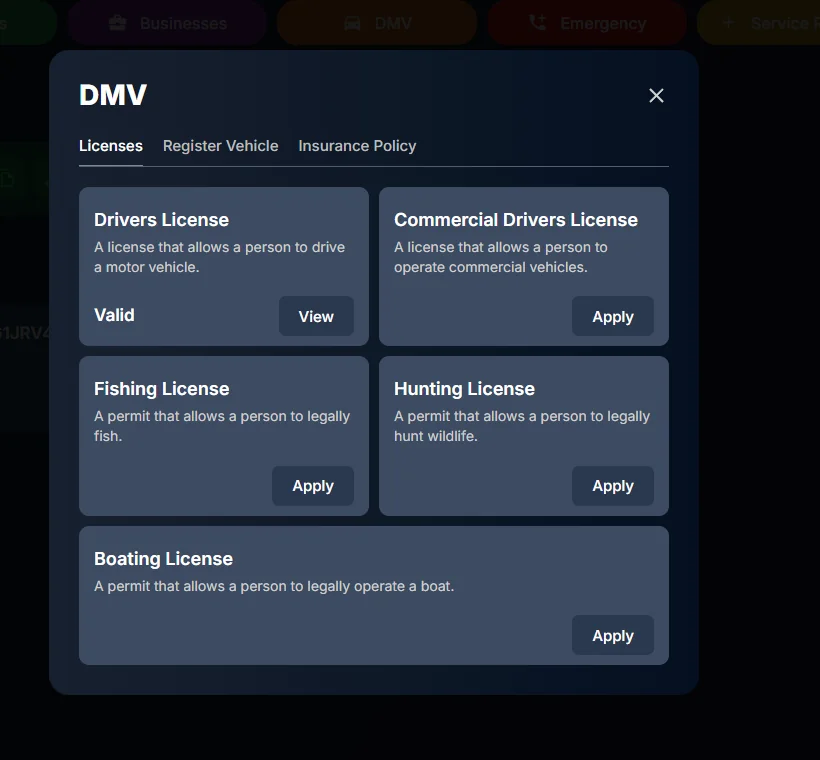
- Press DMV at the top of CAD.
- On the Licenses tab, press Apply on the license you want: driver's, commercial driver's, fishing, hunting or boating.
You can also pick View or apply for licenses at the vehicle registration desk in any City Hall. Your licenses show on the portal too, under Civilian > Characters.
#Report a vehicle stolen
- Find the car in your character's garage and press the edit button.
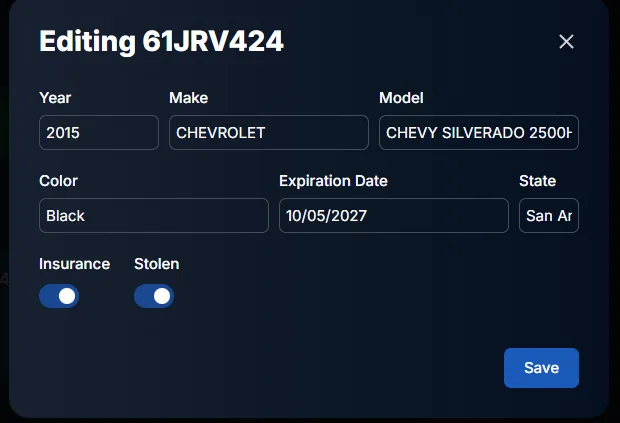
- Turn on Stolen and press Save.
Law enforcement see it when they run the plate.