
Making Your Look
Build and save your character's look in vMenu.
Your look is made in vMenu. You can't leave Arrivals in the default look, so this comes right after making your character.
#Create your look
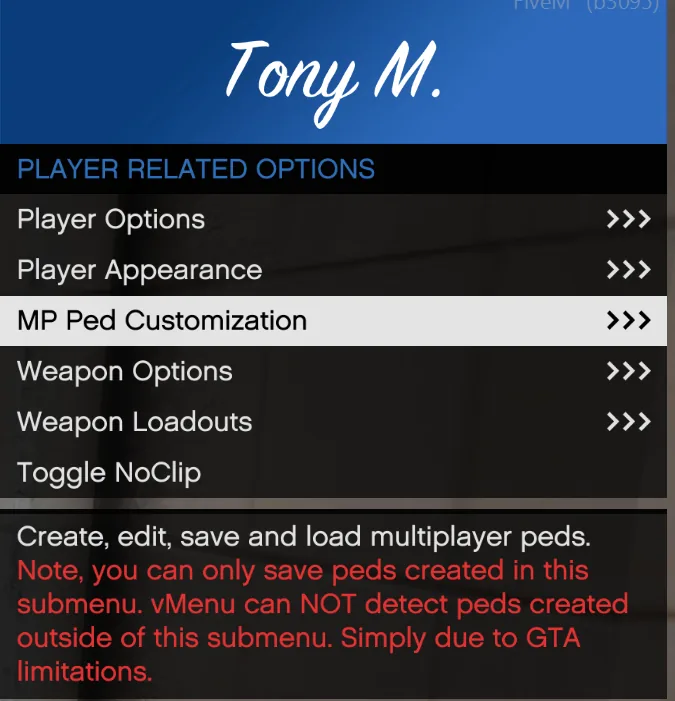
- Press F1 to open vMenu.
- Open Player Related Options, then MP Ped Customization.
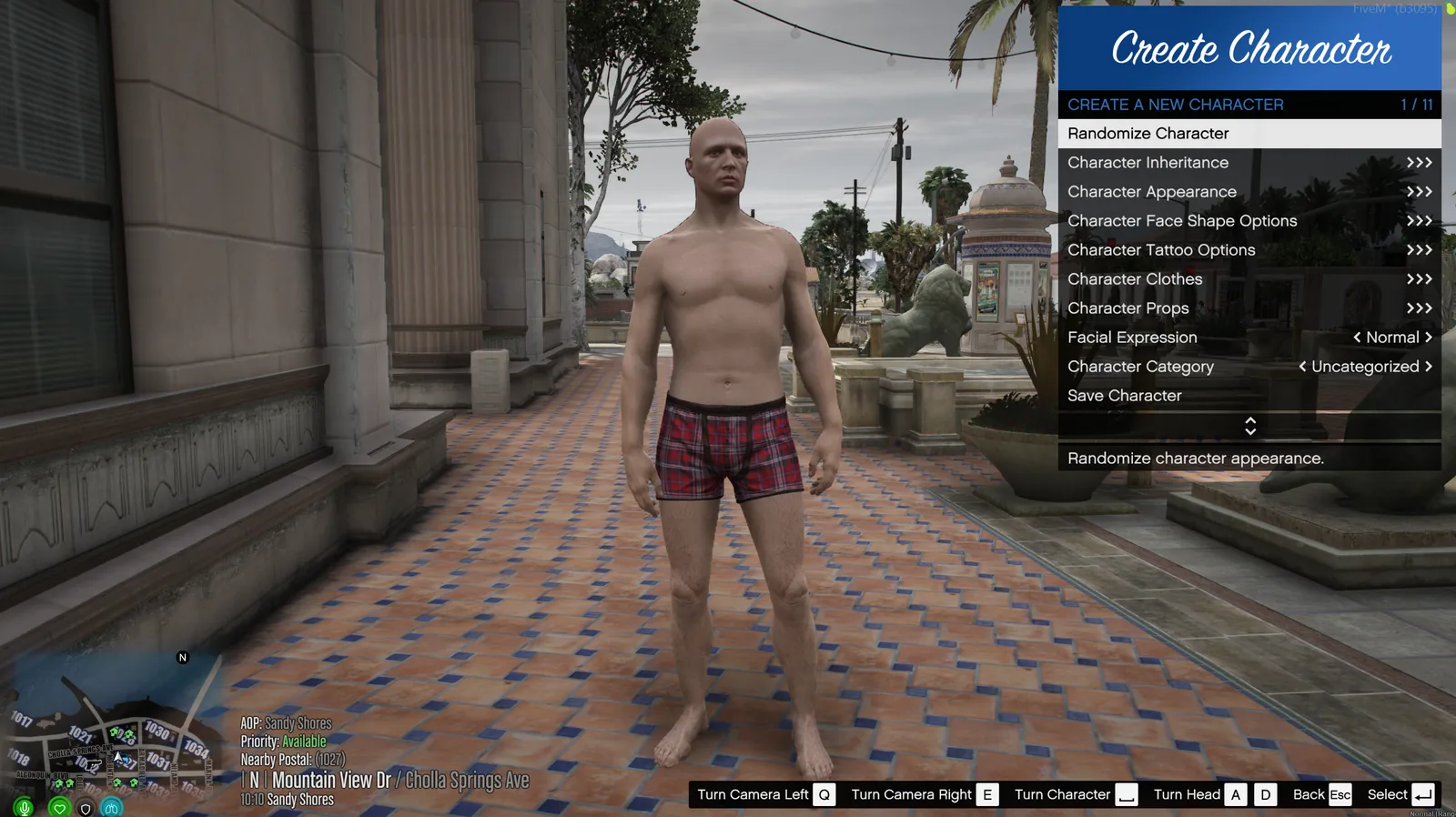
- Pick Create Male Character or Create Female Character.
- Work through the menu: inheritance, appearance, face shape, tattoos, clothes and props.
Note
vMenu can only save peds made in this menu. A ped made anywhere else can't be saved.
#Save it
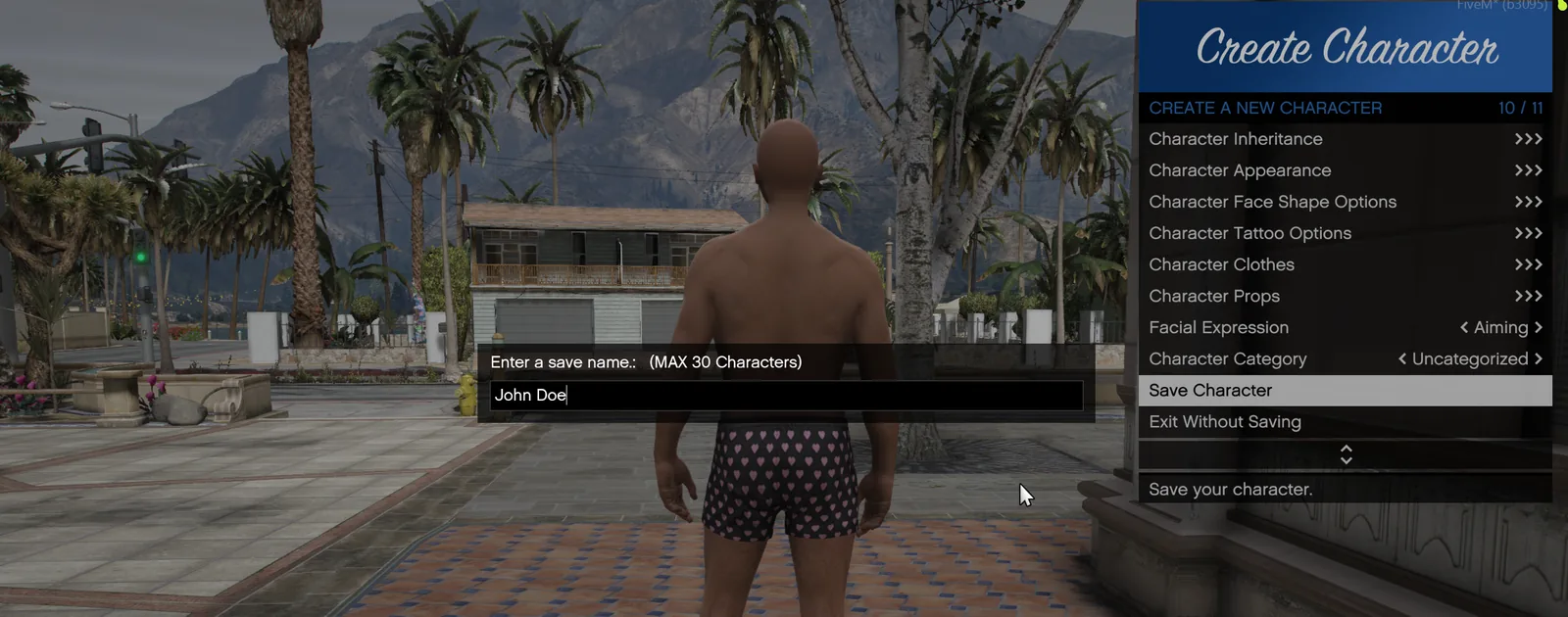
- Pick Save Character at the bottom of the menu.
- Type a name you'll recognize, like your character's name. Names can be up to 30 characters.
#Load a saved look
When you switch characters, load their saved look:
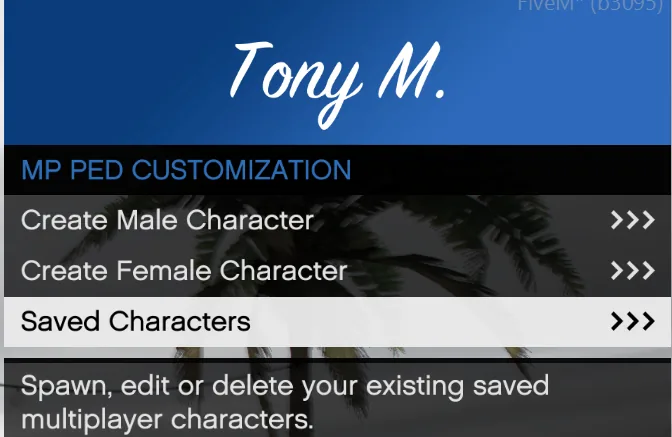
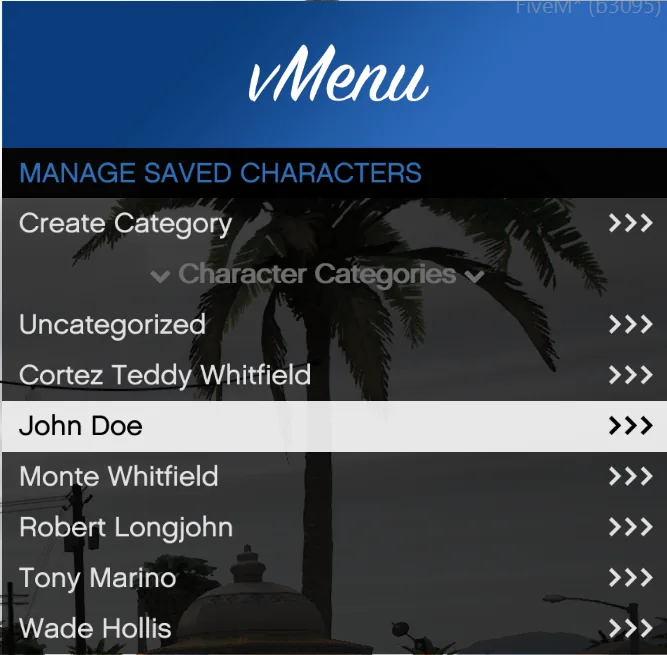
- Press F1 and open Player Related Options > MP Ped Customization > Saved Characters.
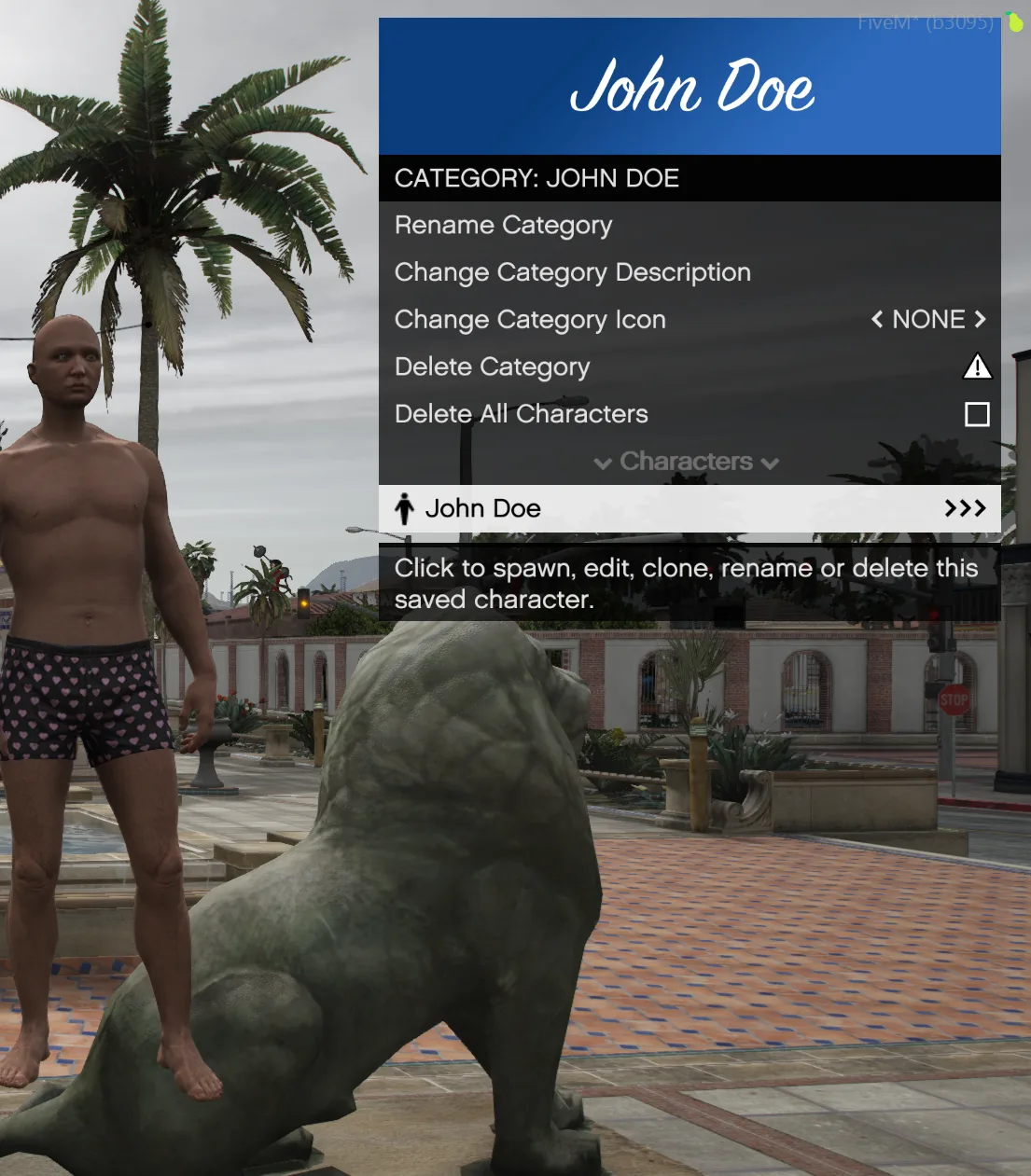
- Open the category, then pick the look and spawn it.
Tip
Make a category for each of your characters with Create Category. Their outfits stay together and are easy to find.
#Using a ped instead
Peds from the vMenu ped spawner are allowed. The default spawn peds are not, and a fresh MP ped that hasn't been customized doesn't count as a look.