
Getting Started
The Discord, joining the server, Civ ranks, trust score and the keys to know.
Welcome to Palomino. This covers everything you need for your first night in the county: the Discord, joining the server, how ranks work, and where to find things.
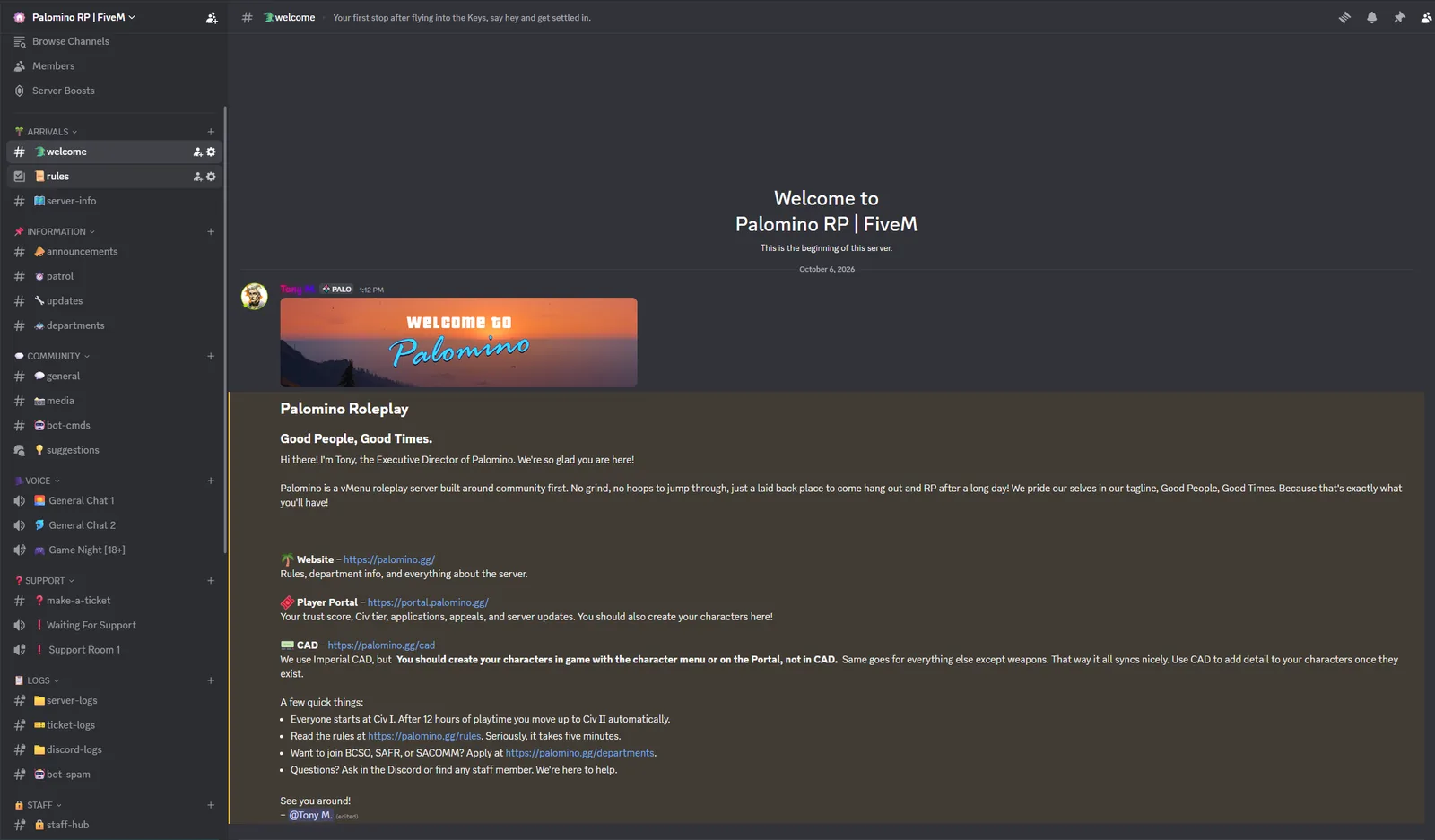
#Join the Discord
- Go to palomino.gg/discord and join.
- Read the rules channel. The full rules also live at palomino.gg/rules.
- Keep Discord open on your PC whenever you play. It's how the server knows who you are, links your account, and gives you your ranks.
#Join the server
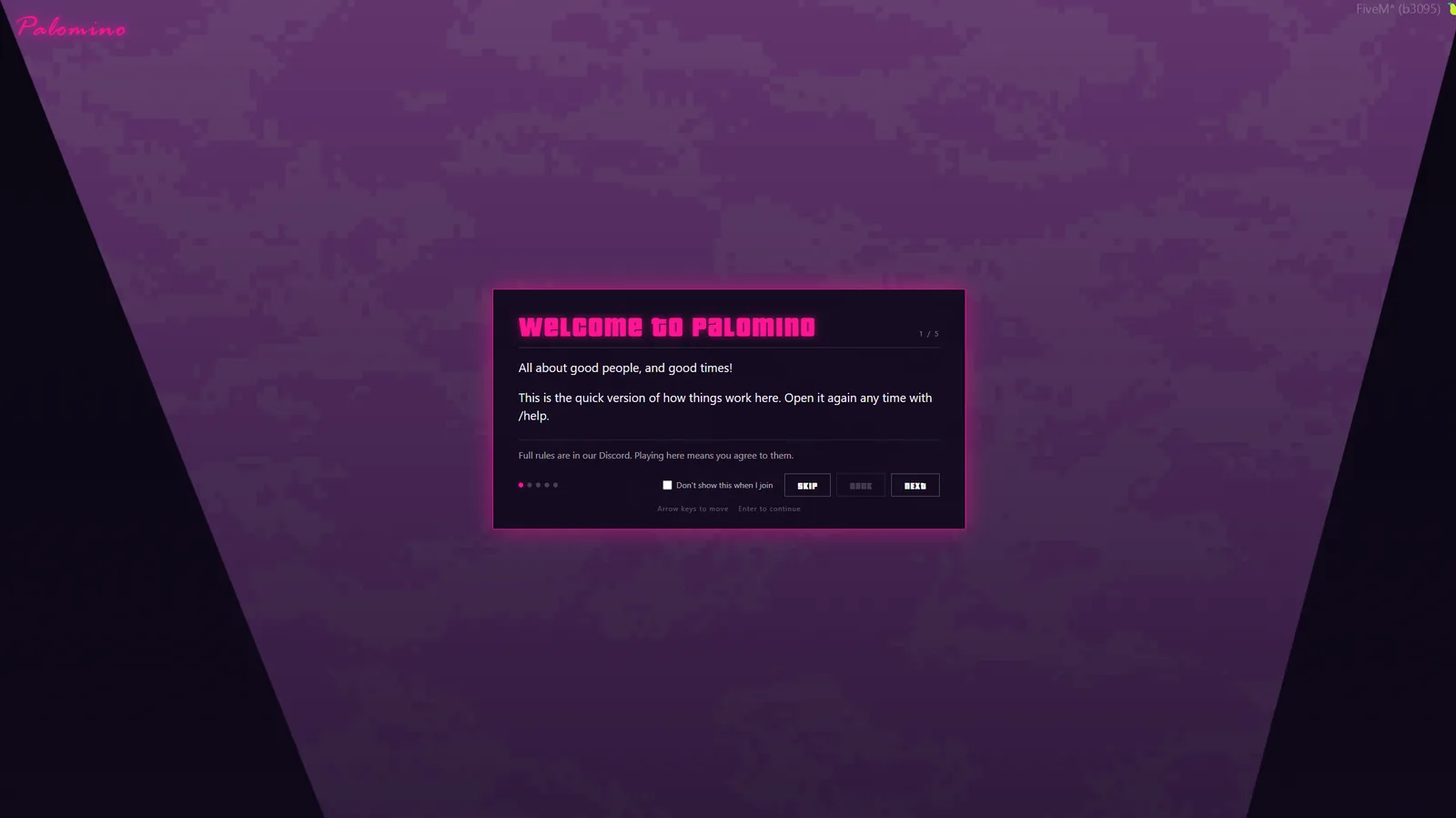
- Open FiveM and search for Palomino in the server list. You can also press F8 and type
connect connect.palomino.gg. - The first time you join, you land at Arrivals at the airport. A short tutorial opens. Read it, then close it. You can open it again any time with
/help. - The character screen opens next. See Creating a Character.
#Civ tiers
Everyone starts at Civ I. You move up automatically as you play, and each tier opens up more vehicles, weapons and black market stock.
| Tier | Hours played |
|---|---|
| Civ I | 0 |
| Civ II | 12 |
| Civ III | 168 (one week) |
| Civ IV | 720 (30 days) |
Note
To move up, your trust score has to be 96 or higher. See Civ Tiers for what each tier gets you.
#Your trust score
Everyone starts at 100. Good roleplay keeps it there. Staff actions move it:
| What happened | Trust |
|---|---|
| Commendation from staff | +1 |
| Warning | −2 |
| Strike | −5 |
| Kick | −5 |
| Ban, any length | −10 |
Nothing wears off over time. If you think something on your record is wrong, appeal it on the portal. Type /trust in game to see your score.
#The portal
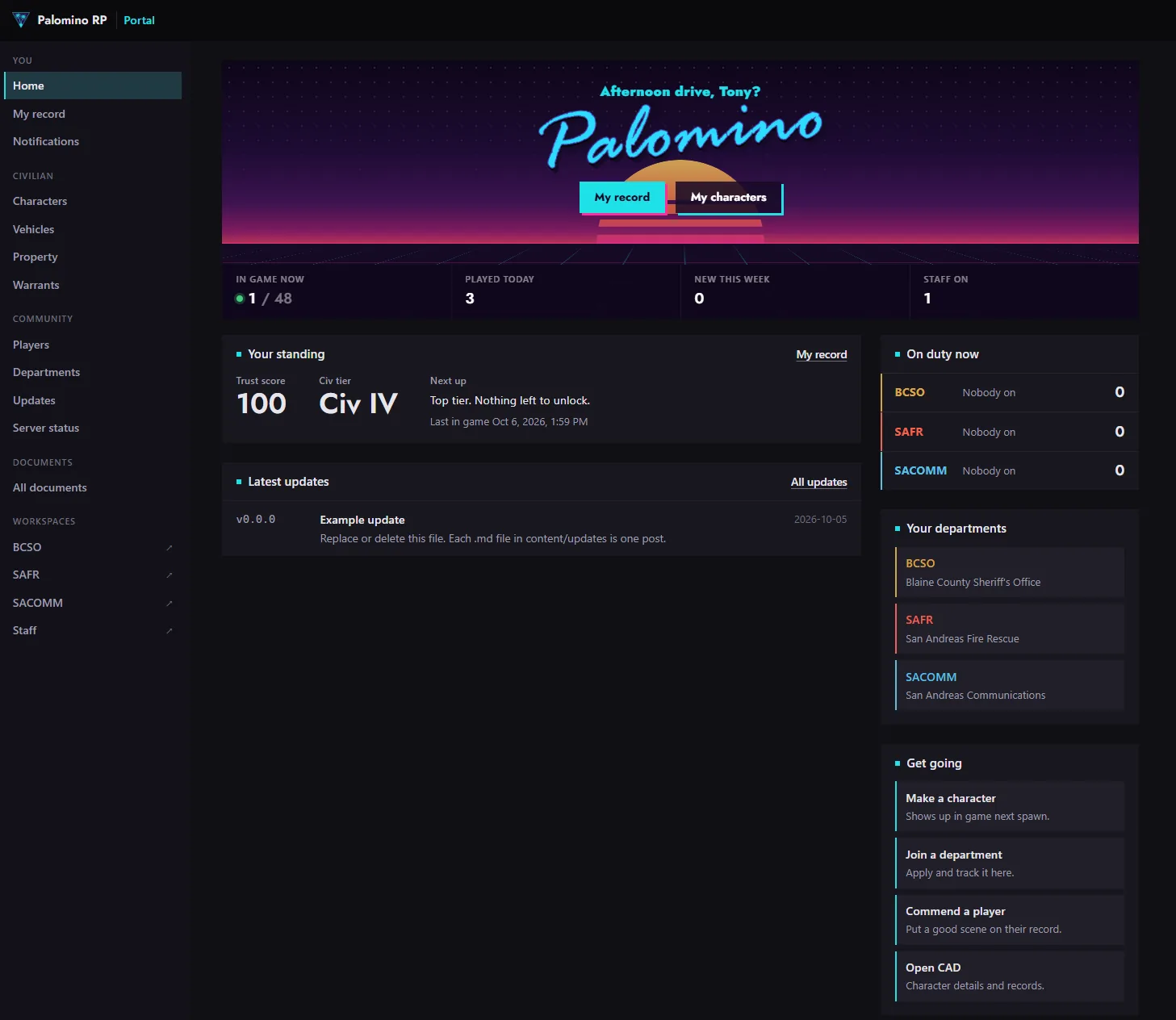
portal.palomino.gg is your home base. Sign in with Discord to see your record, trust score and rank, make characters, check your vehicles and property, apply to departments, commend other players, and read updates. In game, type /portal to open it without leaving.
#Keys and commands
| Key or command | What it does |
|---|---|
| E | Interact with people, desks and doors |
| T | Chat (see Chat and Roleplay Commands) |
| F1 | vMenu: your look, vehicles, weapons, emotes and more |
| F3 | Your phone |
/characters | Switch character without reconnecting |
/portal | Open the portal in game |
/imperialtablet | Open CAD in game |
/report | Reach staff |
/trust | See your trust score |
/help | Open the join tutorial again |
#AOP (area of play)
Staff set the AOP, the part of the map where roleplay is happening right now. It shows on your screen and on the character screen. Spawns inside the AOP are listed first. Stay inside it unless staff say otherwise.